

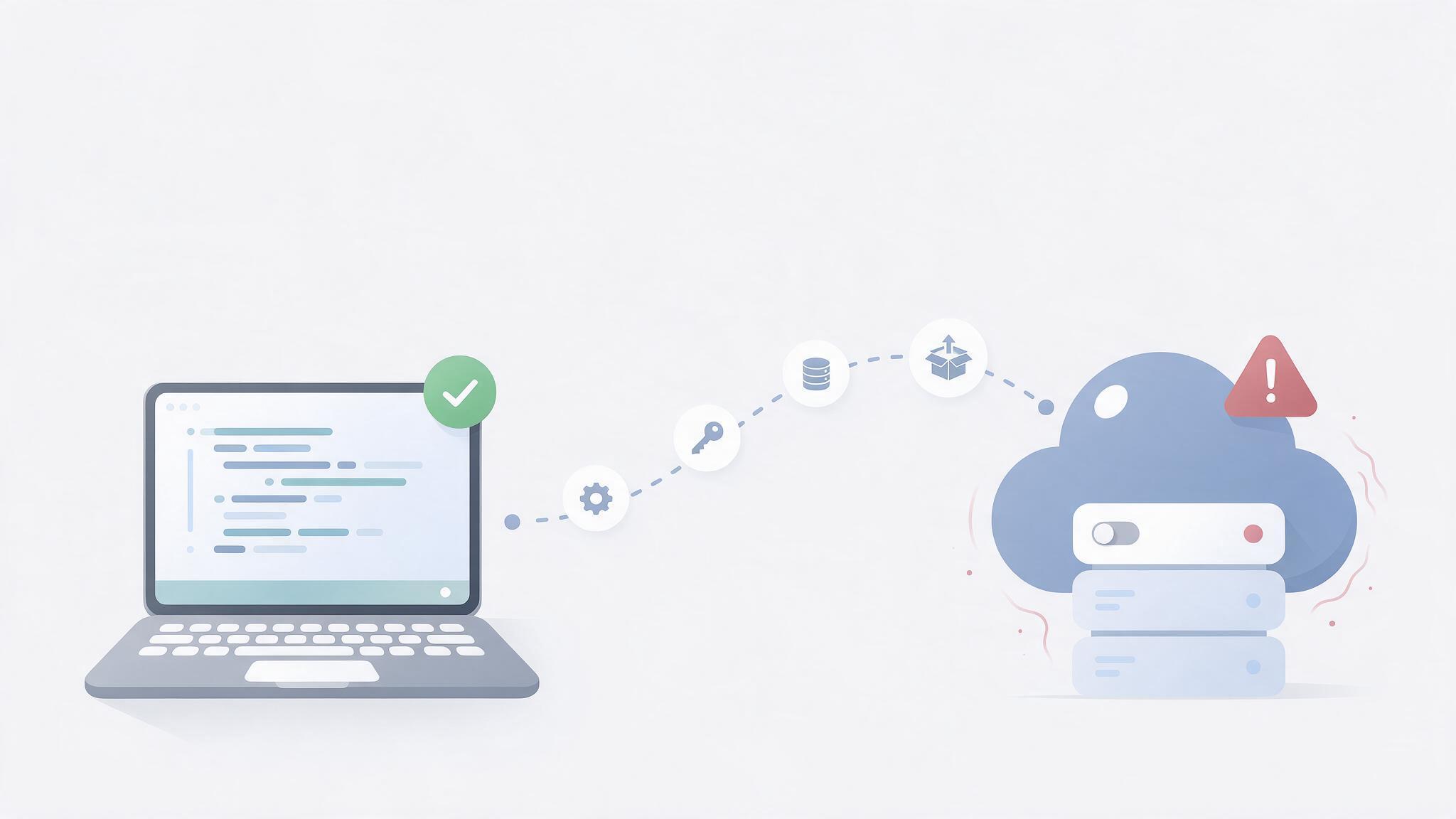
Why Your Code Works Locally but Fails in Production: A Real-World Debugging Guide

Your application works perfectly on your local machine. Then you deploy it, and everything breaks. Learn how experienced engineers investigate production failures, identify root causes, and fix problems without introducing new risks.
The Most Dangerous Bugs Are the Ones You Cannot Reproduce
Every developer knows the feeling. Your application works correctly on your local machine. The features behave as expected, the tests pass, and everything appears ready for release.
Then the code reaches production.
Suddenly, an API returns an unexpected response. A page displays a blank screen. A scheduled task stops running. A file upload fails for some users but works for others.
The immediate temptation is to change the code. But experienced engineers know that production failures are not always code problems. They can originate from the environment, infrastructure, permissions, dependencies, configuration, or assumptions that were never tested.
The difference between a developer who fixes a bug and an engineer who understands a system is often the quality of the investigation.
1. The Environment Is Part of Your Application
Consider a PHP application that works correctly on a developer's Windows machine but fails after deployment to a Linux server.
The code may be identical, yet the environments are not.
- PHP versions and enabled extensions.
- Case-sensitive file paths on Linux.
- File and directory permissions.
- Environment variables and configuration files.
- Database versions, SQL modes, and character sets.
- Network access and outbound HTTP requests.
- Web-server timeouts and memory limits.
For example, a developer might reference UserController.php while the actual filename is userController.php. A local filesystem may tolerate the mismatch, while a Linux server may not.
Engineering lesson: Never assume that identical source code means identical runtime behaviour. Document the production environment and verify important differences before changing application logic.
2. Stop Guessing. Start Collecting Evidence.
When an incident occurs, the first job is to establish what actually failed. A disciplined investigation follows a repeatable process.
Reproduce the failure
Identify the affected URL, user action, request payload, timestamp, and expected result.
Inspect the logs
Check application logs, PHP error logs, web-server logs, and database errors around the time of failure.
Identify the failing layer
Determine whether the issue originates in the browser, application code, database, server configuration, or an external service.
Form one testable hypothesis
For example, a request may be failing because a required PHP extension is unavailable.
Test the hypothesis
Check the actual production configuration instead of assuming it matches the development environment.
Apply the smallest safe fix
Avoid changing unrelated components while investigating an isolated problem.
Verify the result
Test the original failure, nearby functionality, logs, and relevant monitoring signals.
This process may seem slower than immediately editing code. In practice, it prevents random changes from creating additional failures.
3. Learn to Read the Evidence
Different symptoms often point toward different parts of the system. Use the following table as a starting point for your investigation.
| Symptom | What to investigate first |
|---|---|
| HTTP 500 error | Application exceptions, PHP errors, server logs |
| HTTP 403 error | Authentication, authorization, file permissions, security rules |
| HTTP 404 error | Routing, rewrite rules, deployment paths, missing resources |
| HTTP 502 or 504 | Upstream services, PHP-FPM, timeouts, resource pressure |
| API returns HTML instead of JSON | Error pages, redirects, authentication, incorrect endpoints |
| Admin works, other users fail | Permissions, roles, caching, user-specific data |
| Failure occurs after deployment | Scheduled tasks, background jobs, cache, resource limits |
These are starting points, not definitive diagnoses. A 500 error, for instance, can result from several different causes. Logs and reproducible tests provide the evidence needed to narrow it down.
4. A Practical Example: An API That Returns HTML Instead of JSON
Imagine a React or Next.js application fetching data from a PHP-based backend. The frontend expects a JSON response, but the server returns an HTML error page.
Expected response
{"status":"success","data":[]}Example JavaScript error
Unexpected token '<', "<!DOCTYPE "... is not valid JSONA common mistake is to keep modifying the frontend's JSON parsing logic. But the error tells us something important: the response begins with HTML rather than the expected JSON.
- The API endpoint is incorrect.
- The server is returning a login or redirect page.
- A PHP fatal error is producing an HTML error response.
- A reverse proxy or web application firewall is blocking the request.
- The backend is returning an HTML 404 or 500 page.
A better investigation begins with the browser's Network panel:
- Open Developer Tools and select Network.
- Repeat the failing request.
- Inspect the HTTP status code and final request URL.
- Check the response headers, particularly
Content-Type. - Read the response body to identify what the server actually returned.
- Check the backend logs at the same timestamp.
Remember: The error message is a clue, not necessarily the root cause.
5. Why Quick Fixes Create Long-Term Problems
Under pressure, developers sometimes disable security rules, increase every timeout, suppress errors, or change permissions broadly to restore functionality.
Such actions can hide the original problem while creating new risks. Setting every file and directory to overly permissive access, for example, may make an upload work but can also expose sensitive files or allow unintended modifications.
A safer approach is to:
- Preserve relevant logs before making changes.
- Record the original configuration.
- Change only what the evidence supports.
- Use a staging environment where practical.
- Keep a rollback plan.
- Verify functionality and security after the fix.
- Document the root cause and preventive action.
Production engineering is not simply about making an error disappear. It is about restoring reliable behaviour without introducing a bigger problem.
6. Turn Every Incident into Engineering Knowledge
A resolved incident should leave the team better prepared for the next one. After fixing a production issue, document five things.
Over time, these records become an internal engineering knowledge base. They are particularly valuable when experienced team members are unavailable or when a similar problem occurs months later.
A short, accurate incident report can be more useful than a lengthy generic troubleshooting guide because it preserves the context of a real failure.
7. What Developers Should Practise Before the Next Incident
You do not need a large enterprise infrastructure to improve your debugging discipline. Start with a few practical habits.
- Keep development and production versions documented.
- Make application errors observable without exposing sensitive information to visitors.
- Test deployment procedures before they become urgent.
- Monitor important API endpoints and background jobs.
- Maintain backups and test restoration procedures.
- Record fixes for recurring incidents.
- Review whether your tests cover environment-dependent behaviour.
The goal is not to eliminate every production problem. No complex system is completely free of failures. The goal is to detect problems earlier, diagnose them faster, reduce their impact, and learn from them systematically.
Final Thoughts
Writing code is only one part of software engineering. Reliable systems also require observation, careful reasoning, controlled changes, and a willingness to investigate evidence rather than defend an initial assumption.
When something breaks, resist the urge to change five things at once. Establish the facts, isolate the failure, test a hypothesis, and verify the result.
That is how debugging becomes engineering.
What Is the Most Difficult Production Bug You Have Solved?
Experienced developers and engineers: share the symptoms, the actual root cause, and the lesson you learned. Your experience could help another engineer solve the same problem faster.
Please avoid posting passwords, API keys, customer data, or other confidential information.
Article Topics


