


WordPress Caching Explained: A Deep Technical Guide
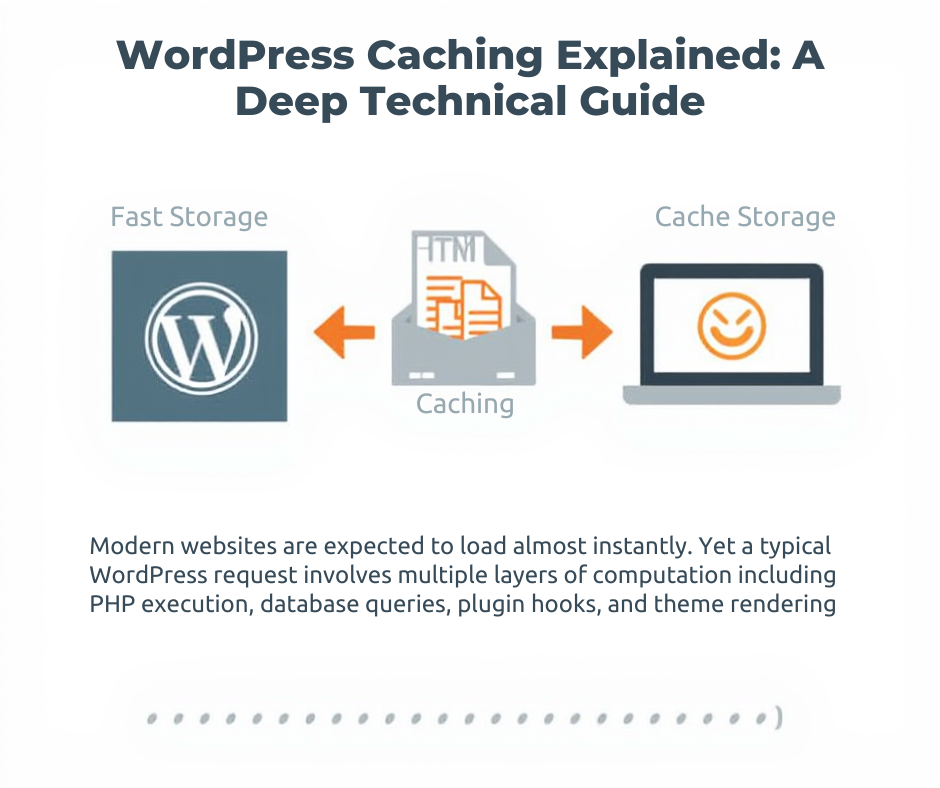
Modern websites are expected to load almost instantly. Yet a typical WordPress request involves multiple layers of computation including PHP execution, database queries, plugin hooks, and theme rendering.
Without optimization, this dynamic architecture can become slow and resource intensive. Caching solves this problem by storing the result of expensive operations and serving them instantly for future requests.
1. The WordPress Request Lifecycle (Without Caching)
When a visitor opens a page on a WordPress site, the following process occurs.
Browser Request
     ↓
Web Server
     ↓
Load WordPress Core
     ↓
Initialize Plugins
     ↓
Load Theme Templates
     ↓
Run Database Queries
     ↓
Generate HTML
     ↓
Send Response to Browser
This entire process runs every time a page is requested. Even a simple page may trigger 20–100 database queries and thousands of lines of PHP execution.
2. What Caching Actually Does
Caching stores the result of an operation so that it can be reused later without repeating the original work.
Instead of rebuilding the page every time, the server delivers a stored version of the HTML output.
3. Page Caching
Page caching stores the fully rendered HTML version of a page. When a visitor requests the same URL again, the server returns the cached HTML file.
User visits /blog

First request
WordPress generates page
Cache plugin stores HTML file

Next request
Server serves cached HTML
This approach allows the web server to bypass PHP and database queries entirely.
4. Browser Caching
Browser caching stores static assets directly on the visitor’s device.
- CSS files
- JavaScript files
- Images
- Fonts
The browser decides whether to reuse cached files based on HTTP headers such as Cache-Control and Expires.
Cache-Control: public, max-age=31536000
This header instructs the browser to reuse the file for one year before requesting it again.
5. Object Caching
Object caching stores database query results in memory. Instead of executing the same query repeatedly, the system retrieves the stored result instantly.
SELECT * FROM wp_posts WHERE ID = 10
The result can be cached using memory-based systems such as Redis or Memcached.
WordPress provides a built-in API using functions like:
wp_cache_set()
wp_cache_get()
6. Opcode Caching
Opcode caching improves PHP execution speed by storing compiled PHP code in memory.
Normal PHP Execution
Read PHP File
Compile PHP Code
Execute Script
With Opcode Cache
Compiled Code Stored in Memory
Execute Immediately
Most servers use OPcache, which significantly reduces PHP processing time.
7. CDN Caching
A Content Delivery Network distributes cached files across global edge servers. Visitors receive content from the nearest location instead of the origin server.
- Lower latency
- Faster global performance
- Reduced server load
- Protection against traffic spikes
8. Full Caching Architecture
Each layer acts as a fallback if the previous layer does not contain the requested data.
9. Cache Invalidation
Cache invalidation ensures cached content remains up to date.
- Publishing a new post
- Updating content
- Changing menus
- Editing page templates
Caching plugins automatically clear relevant cache files when updates occur.
10. Developer Considerations
Not every page should be cached. Dynamic pages must bypass caching, such as:
- User dashboards
- Shopping carts
- Checkout pages
- Personalized content
Developers often use AJAX requests or fragment caching to handle dynamic sections.
Conclusion
Caching is the foundation of high-performance WordPress architecture. By combining multiple layers such as page caching, browser caching, object caching, opcode caching, and CDN distribution, WordPress can serve pages extremely fast while reducing server load.
Understanding caching allows developers to build scalable WordPress applications capable of handling large traffic volumes while maintaining excellent performance.
 Spanish
 English
 Arabic
 French
 Portuguese
 Deutsch
 Turkish
 Dutch
Dutch
 Italiano
 Russian
 Romaian
 Portuguese (Brazil)
 Greek
Greek
